Sunday, November 10, 2013

simplyScroll v2

  • Firehouse
  • Chloe nightclub
  • Firehouse bar
  • Firehouse chloe club fishtank
  • Firehouse restaurant
  • Firehouse
  • Firehouse
  • Chloe nightclub

simplyScroll is a scroll-tastic jQuery plugin that can animate (scroll) content either automatically or manually, horizontally or vertically, backwards or forwards.

NEW FEATURES IN V2

  • Auto-scroll in either direction
  • RTL support, normalises browser RTL scroll implementations
  • Touch support
  • Now automatically supports unequal sized elements in loop mode
  • Pause/play button option

FEATURES

  • Supports scrolling horizontally and vertically both forwards and backwards
  • Uses DOM ScrollTop/ScrollLeft for optimal performance
  • Supports looped scrolling (infinite effect)
  • Fully customisable via CSS & HTML
  • Supports jQuery 1.2.6 and higher (tested up to 1.7.1)
  • Works on all major browsers (including IE6/7!)

EXAMPLES

  1. Horizontal scroll with loop (infinite effect)
  2. As above but manual scroll with buttons
  3. Manual Vertical scroll, with buttons, looped
  4. Custom HTML example, scrolling backwards
  5. RTL mode page may look odd (or better)!
  6. Pause and resume

DOWNLOAD

simplyScroll is open source and dual licensed under MIT and GPL licenses. Latest version simplyScroll 2.0.5 released 10/05/12

jquery.simplyscroll.zip 30 Kb Recommended Complete package including CSS & buttons.png
jquery.simplyscroll.js 13 KbSource
jquery.simplyscroll.min.js 8 Kbminified (uncompressed)

CONFIGURATION

simplyScroll can be configured with a number of options

PropertyDefault Description
customClass 'simply-scroll' Class name for styling
frameRate 24Number of movements/frames per second
speed 1Number of pixels moved per frame, in 'loop' mode must be divisible by total width of scroller
orientation 'horizontal' 'horizontal or 'vertical' - not to be confused with device orientation
direction 'forwards''forwards' or 'backwards'
auto trueAutomatic scrolling, use false for button controls
autoMode 'loop'auto = true, 'loop' or 'bounce', (disables buttons)
manualMode 'end'auto = false, 'loop' or 'end' (end-to-end)
pauseOnHover truePause scroll on hover (auto only)
pauseOnTouch trueTouch enabled devices only (auto only)
pauseButton falseCreates a pause button (auto only)
startOnLoad falseInit plugin on window.load (to allow for image loading etc)

COMMENTS / FEEDBACK

Notes/issues:

simplyScroll jumping? Make sure you specify images sizes or start on window load (Chrome is especially affected by this - it's just so darn fast!)

You can't use auto scrolling with buttons (yet - speed-up is a planned feature)

There's a bug in Chrome 17 (released Feb 12) that returns a false positive on a touch support test (causing hover events not to be setup), version 2.0.3 fixes this.

Any feedback or bugs should be directed to @logicbox orwill@logicbox.net. Enjoy!

12 JQUERY LOADER, PROGRESS BAR AND CONTENT ANIMATIONS

JQUERY LOADERS

JQUERY AJAX LOADER & SPINNER

aplus-ajax-loader

Demo | Source

JQUERY.NIMBLE.LOADER

jquery-nimble-loader

Demo | Source

SPIN.JS

spin-js-jquery-loader

Demo | Source

CSS3 PIE GRAPH TIMER WITH JQUERY

CSS3-Pie-Graph-Timer-with-jQuery

Demo | Source


JQUERY PROGRESS BARS

PURE CSS3 AND JQUERY PROGRESS BAR

css-jquery-progress-bar

Demo | Source

JQUERY PROGRESSBAR

jquery-progress-bar

Demo | Source


INFINITE SCROLLING

INFINITE AJAX SCROLL, A JQUERY PLUGIN

Infinite-AJAX-Scroll-jQuery-plugin

Demo | Source


TRIGGERED INFINITE SCROLL

Triggered Infinite Scroll

Demo | Source


CONTENT LOADING ANIMATIONS

QUERYLOADER

query-loader

Demo | Source


INNERFADE

innerfade jquery loader

Demo | Source


QUICKSAND

Quicksand-jquery-content-animation

Demo | Source


FLIP!
jquery-flip

Demo | Source

Sunday, November 3, 2013

30 Best CSS3 Generators for Developers

I have compiled a list of 30 Best CSS3 Generators for developers that will play a vital role in developing and designing applications. With the following generators you will be able to quickly generate css3 code for almost everything. The following list of CSS3 Generators will assist and simplify your work and make it easy to create the exact CSS effects you need with the help of graphical interfaces.

If you like the article you might be interested in our other article on Must Have CSS Tools for Designers and 18 Best CSS Frameworks for Accelerated Development

Enjoy!!

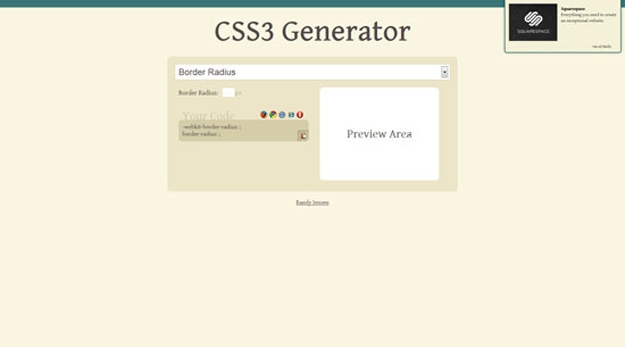
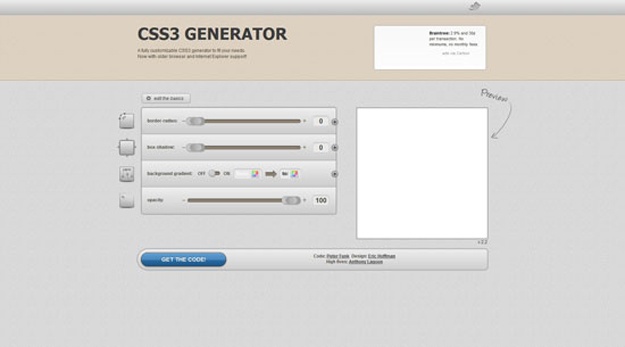
1. CSS3 Generators

css3generator
 
Source  

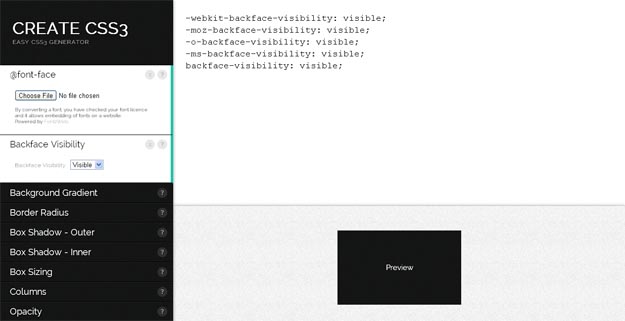
2. Create CSS3

Create CSS3
 
Source  

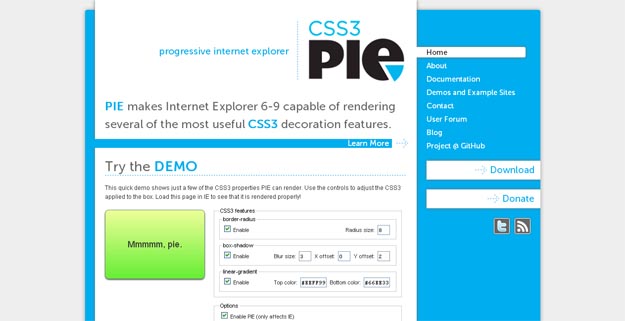
3. CSS3Pie

css3pie
 
Source  

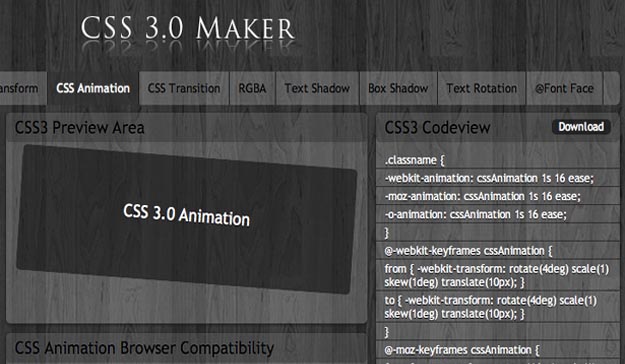
4. CSS 3.0 Maker

css3 maker
 
Source  

5. CSS3.Me

css3_me
 
Source  

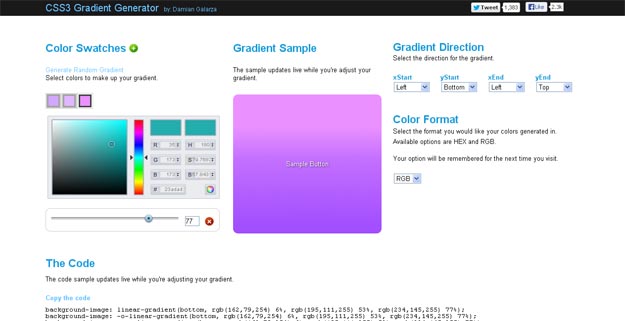
6. CSS3 Gradient Generator

CSS3 Gradient Generator
 
Source  

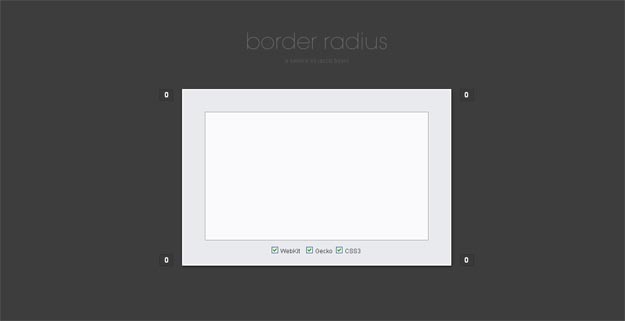
7. CSS Border Radius Generator

css border radius
 
Source  

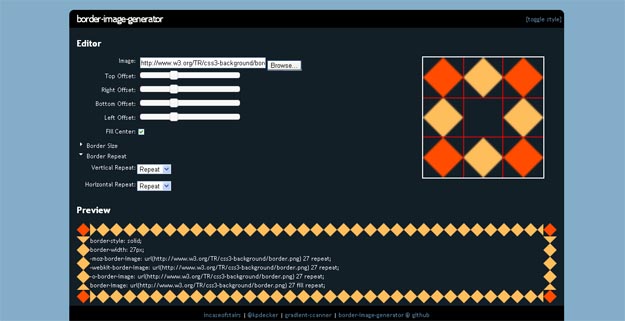
8. Border Image Generator

border image generator
 
Source  

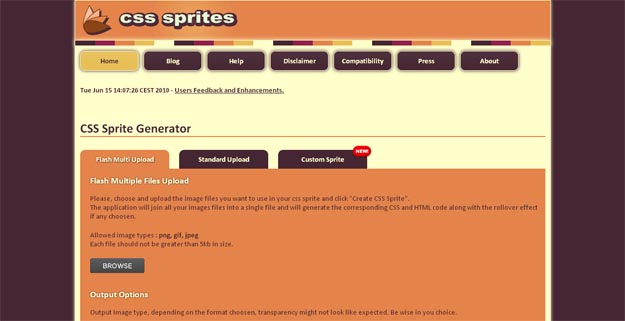
9. CSS Sprites

css sprites
 
Source  

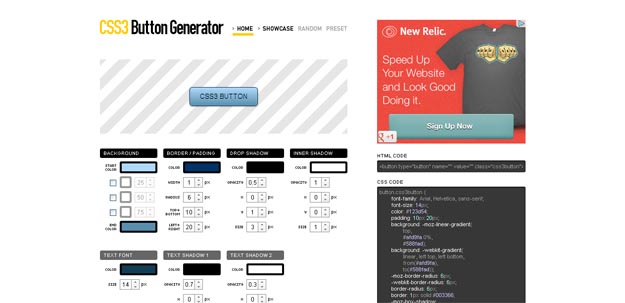
10. CSS3 Button

CSS3 Button Generator
 
Source  

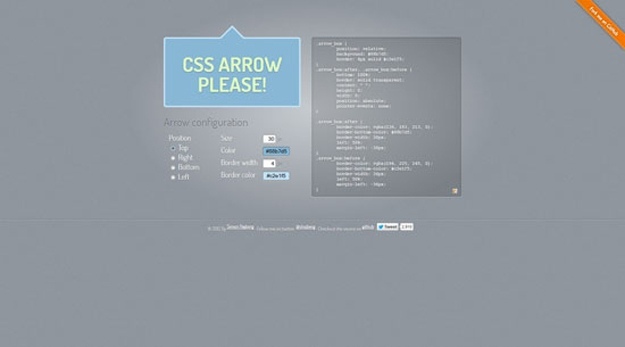
11. CSS Arrow Please

cssarrowplease
 
Source  

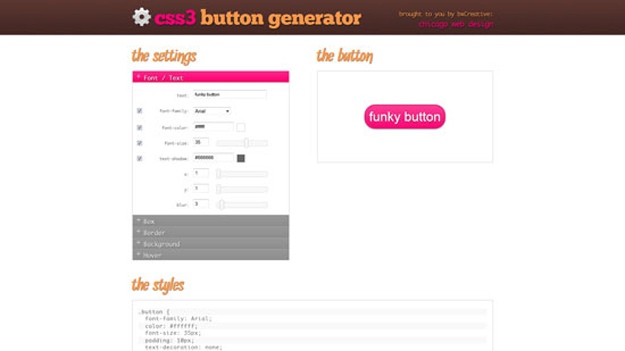
12. CSS3 Button Generator

css3buttongenerator
 
Source  

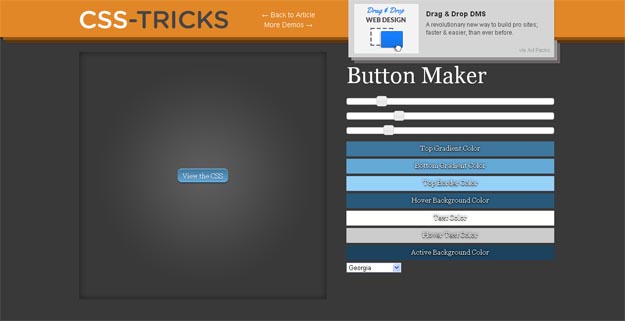
13. CSS3 Tricks Button Maker

css3-tricks-button-maker
 
Source  

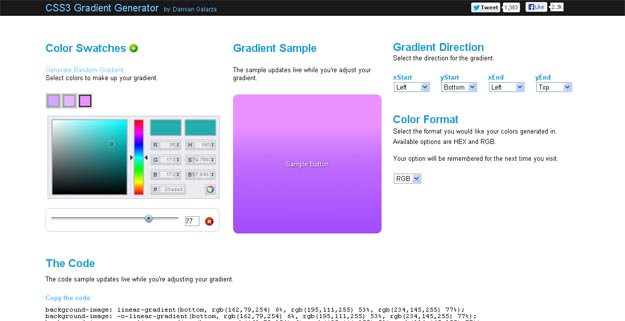
14. CSS3 Gradient Generator

CSS3 Gradient Generator
 
Source  

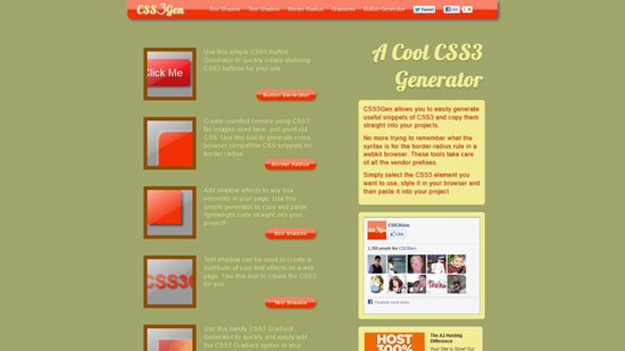
15. CSS3 Gen

css3gen
 
Source  

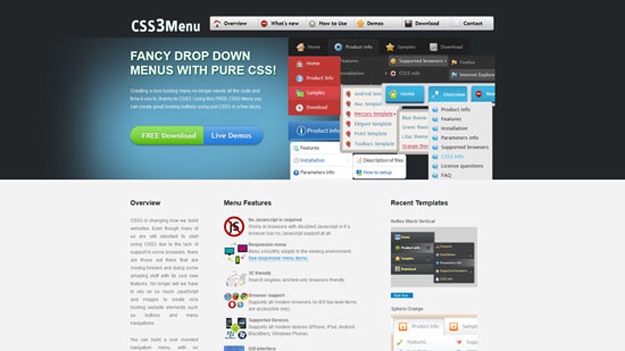
16. CSS3 Menu

css3menu
 
Source  

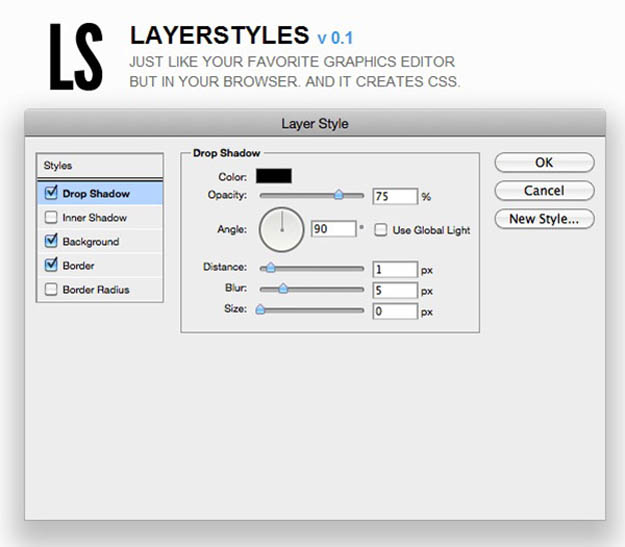
17. Layer Styles

layerstyles
 
Source  

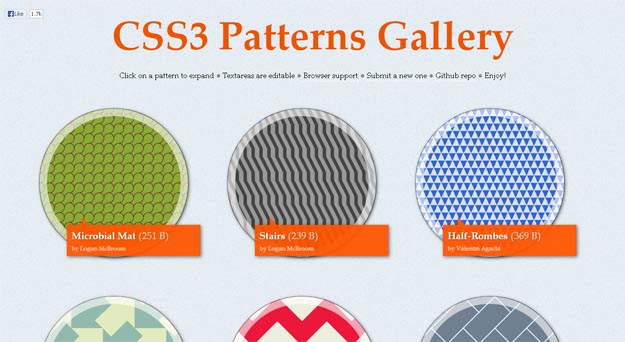
18. CSS3 Patterns

css3-patterns
 
Source  

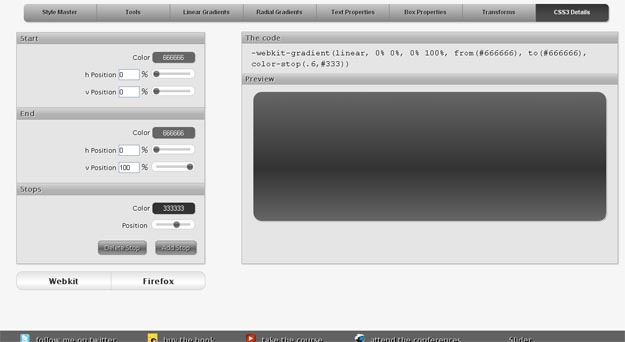
19. Gradients

gradients
 
Source  

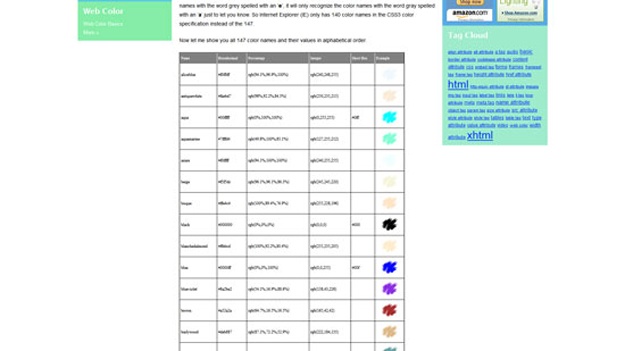
20. CSS3 Color Names

css3colorname
 
Source  

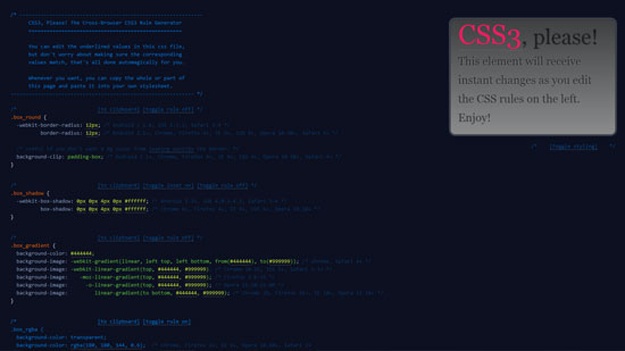
21. CSS3 Please

css3please
 
Source  

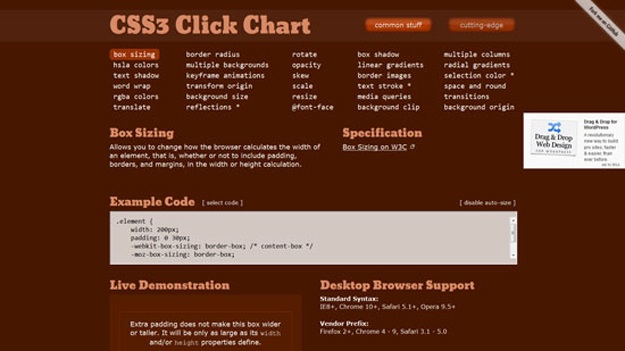
22. CSS3 Click Chart

css3clickchart
 
Source  

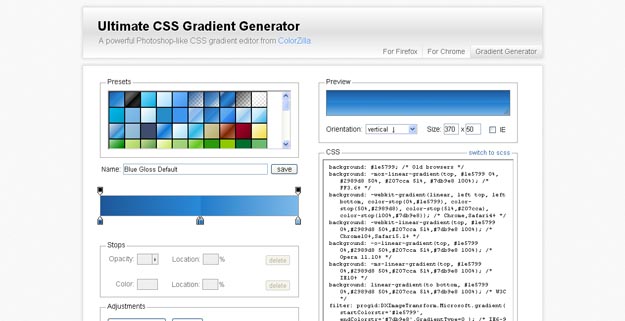
23. Ultimate CSS Gradient Generator

Ultimate CSS Gradient Generator
 
Source  

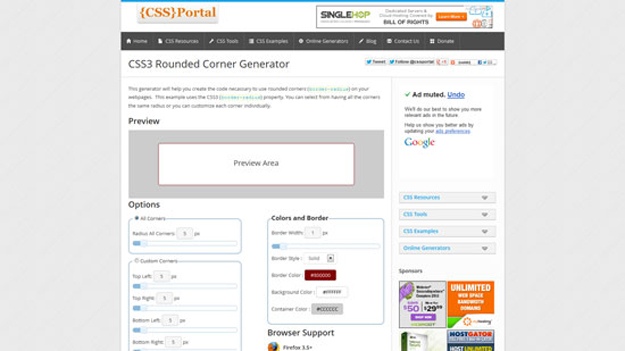
24. CSS3 Rounded Corner Generator

css3-rounded-corner-generator
 
Source  

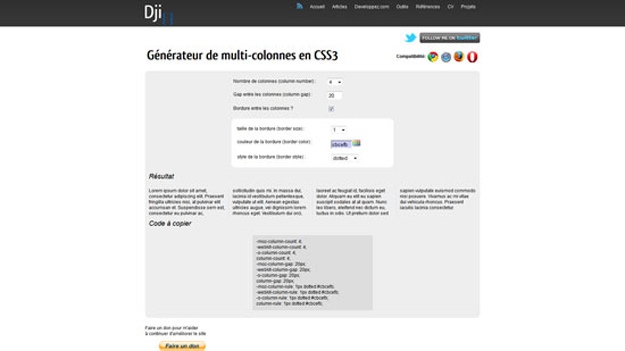
25. CSS3 Multi Column Generator

css3-multi-column-generator
 
Source  

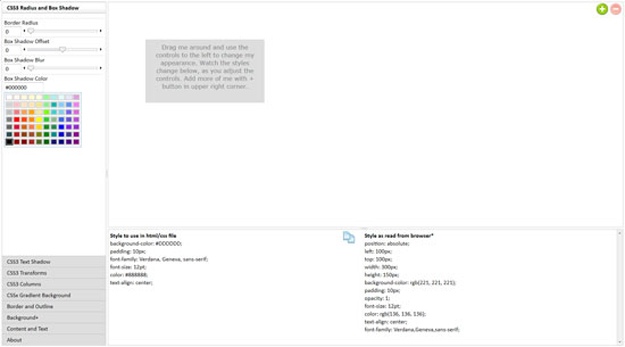
26. CSS3 Radius and Box Shadow

css3-radius-box-shadow
 
Source  

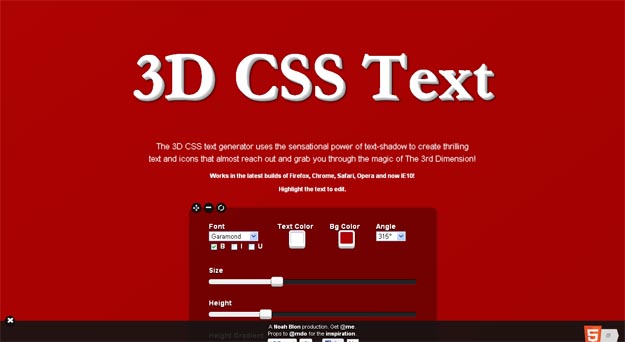
27. 3D CSS Text Generator

3D CSS Text Generator
 
Source  

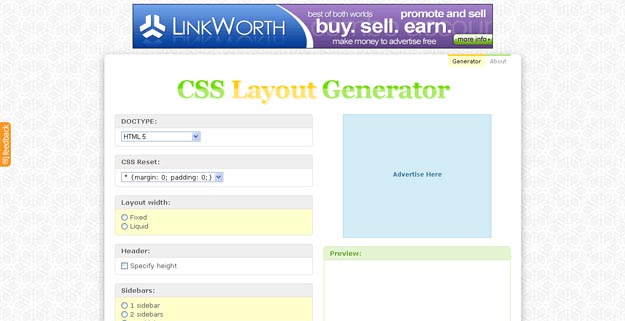
28. CSS Layout Generator

css layout generator
 
Source  

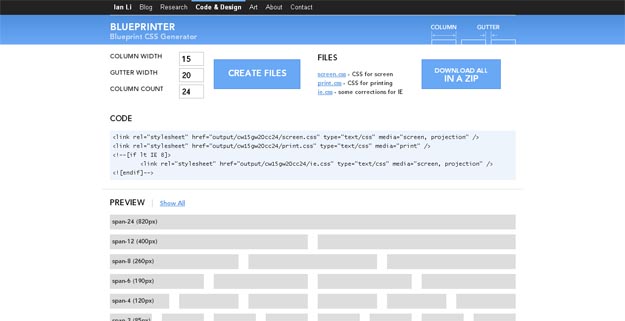
29. Blue Printer

blueprinter
 
Source  

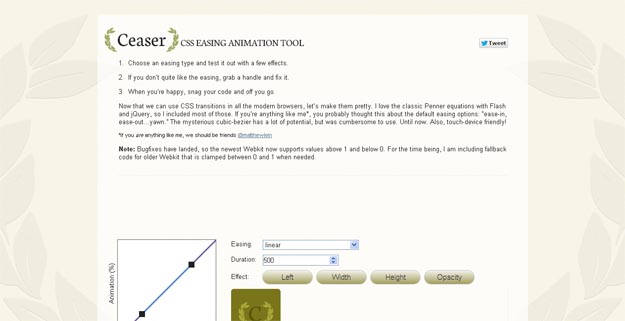
30. Ceaser

ceaser
 
Source  

courtesy: